
- Olivia
- September 28, 2026
Screen Sharing Without Video Call During Audio Calls
Communication apps have made it easier to communicate via messages, voice and video calls. But there are times you might wish to display something on your phone without having to fire its camera. That’s where screen sharing without video call can make things easier and more convenient to communicate.
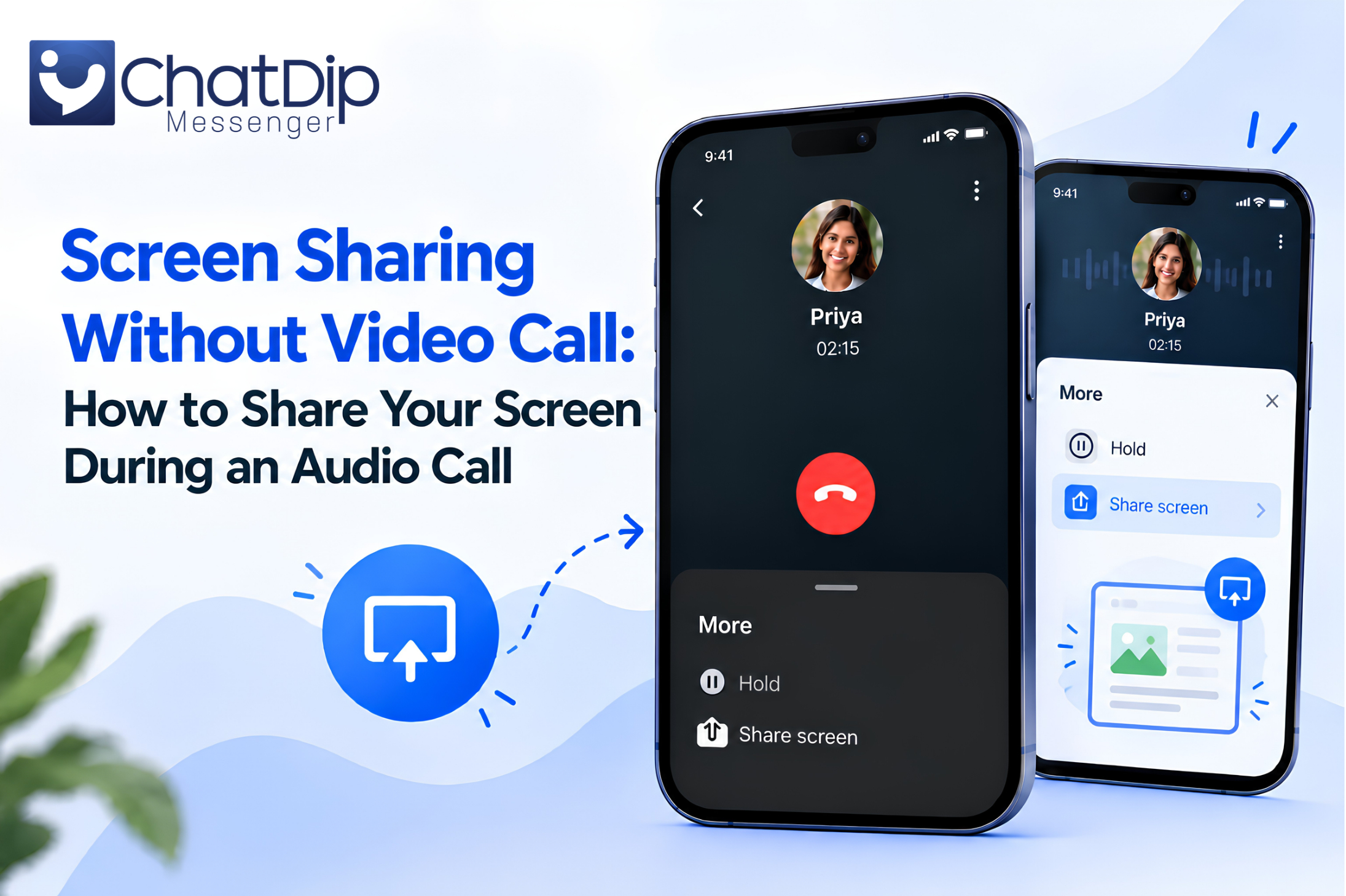
ChatDip allows the users to share their screen with someone during an audio call without interrupting the conversation. You can continue to talk, and show what’s going on on your screen concurrently, without switching to a video call.
Screen sharing during an audio call can help a conversation make more sense when you are assisting someone with a process in an app, a document, a website, or even a phone display.
What Is Screen Sharing Without Video Call?
You can share your screen during a video call, but screen sharing without video call will involve sharing content on your device without engaging in video call.
Typically screen sharing is related to video conferences. But it’s not always required to turn on the camera. Sometimes, just someone else to tell and show what’s on the screen.
For instance, if a friend has a problem with setting a phone, imagine how that person would feel. Voice can explain, but might take time to explain all the steps. You can share your screen with someone while you’re still talking on the phone.
This makes it more visual and effective to communicate, without the need for a video call.
Why Share Your Screen During Audio Call?
Audio calls are convenient because the people can communicate with each other without focusing on what is happening around them or their look or arrangement of the camera. Those conversations are even more helpful when supplemented by adding screen sharing.
You don’t have to explain something to the reader verbally; you can present the information right on the screen.
This may be useful if you wish to:
- Explain how to use an application
- Show a webpage or online information
- Review a document together
- Help someone change a phone setting
- Discuss photos or other content
- Walk someone through a process
- Demonstrate something on your device
Both you and the other person can go on talking and follow what you are showing.
Screen Sharing Without Turning On Your Camera
The primary benefit of screen sharing without a video call is that you don’t have to open the camera just because you wish to share the screen.
Numerous scenarios make it obvious that video doesn’t always have to be used.
You may be on a trip, on your couch at home, working in a dimly lit area or just want an audio conversation. In such scenarios, it may be easier on the other person to communicate if the camera is not on.
There’s another solution: Screen sharing. You can still continue the audio discussion as well as only sharing the necessary information that needs to be displayed on your device.
How Screen Sharing During an Audio Call Works
The whole concept is straightforward.
You initiate an audio call with a User. Use the screen sharing option when presenting something. Your device then shows the person on the call the content of the screen you selected, while you are still on audio call.
This will allow you to verbally describe the steps you are taking as the person watches you.
For example, if you are assisting someone in a certain process, you can go step by step with them over the phone and have the steps displayed on your phone.
A blend of audio and visual instructions can be a great help in understanding.
Screen Sharing During Audio Calls With ChatDip
ChatDip is created in order to be able to communicate in the normal way without the hassle and complexity. Screen sharing during an audio call is another benefit that allows users to communicate in another manner besides messaging and calling.
This functionality will allow you to not start a video chat to view content on your device.
When it would be helpful to provide information in visual form, you can keep your audio call on and share your screen.
This can be very helpful when talking to friends, family, colleagues or any individual who might require instant visual support.
Along with secure messaging, ChatDip offers high-quality voice and video calls and screen sharing features that give users more flexible ways to communicate.
When Is Screen Sharing Without Video Call Useful?
This feature can be useful in many real life scenarios.
How to help someone with their mobile phone
Voice explanations of phone settings can get confusing at times.
When you need to demonstrate or explain how to use a menu, scroll down, and tap that option, but instead of speaking, you ask them to see your screen.
Reviewing Information Together
When two users are working on a webpage, document, image or other content, sharing the screen can help them both focus on the same content.
This eliminates the need to send several screenshots in the course of the discussion.
To describe an App or Feature.
If you have to guide someone with the use of an Application, it is easier to help them through an Application with some visual assistance rather than by audio.
You can display the applicable options and then discuss what they are.
Having a conversation about Work or Ideas
Screen sharing also may be helpful for making brief discussions about documents, designs, websites or anything digital.
If the video meeting isn’t necessary, try an audio call with screen sharing instead.
Benefits of Screen Sharing During Audio Calls
There are many useful benefits to using screen sharing when not using video call.
More visual communication: Voice instructions can sometimes be difficult to follow. The screen is shown for additional context.
No camera needed: Users can communicate without using the camera and broadcasting themselves.
Faster explanations: If you can illustrate a process, perhaps less time than giving it a verbal description.
Seamless communication: Users are able to maintain their audio communication without needless switching from one communication method to another.
Useful for everyday situations: From helping friends to discussing work-related information, screen sharing can support many different conversations.
Audio Calls Can Be More Than Voice
Audio calls are all about the conversation. Those calls can be more interactive with the use of modern communication tools.
Screen sharing also adds a visual component, but doesn’t require both parties to be on camera.
This provides a nice balance between a simple voice call and a complete video call.
You’ve got the ease of the audio communication and the capability of visually communicating the information if necessary.
A More Flexible Way to Communicate
There are various ways to communicate in different conversations.
In some cases, it’s just a text that does the job. At other times, it’s better to just call on the phone. When it’s important to see the person you’re talking to, video calls can help.
There are also times you want to show something, but don’t want to have a video call.
That’s where video call alternative screen sharing is helpful.
Rather than imposing a communication format on users, flexible features let them select the one that best suits the conversation.
Make Audio Conversations More Useful With ChatDip
Communication should be made easy to share information in the manner that is best for you.
Using screen sharing during an audio call with ChatDip can help users explain, demonstrate and discuss information without having to turn on their camera.
It can make audio calls more useful when you’re helping someone use their phone, going over something with them, or just looking at something on your screen.
Screen sharing without video call is a simple, hassle-free video sharing tool that lets users share screens without needing to use video call, providing an additional convenient method for people to connect.
Final Thoughts
Screen sharing without video call is a great way to make audio calling more effective, so that people can share content that is important but still keep their video off. This feature can help to clarify and simplify communication when you’re explaining an app, reviewing a document, assisting someone with phone settings, or sharing something on your display.
The users can keep on an audio call and have their screen shared for visual instruction when required with ChatDip. It offers the flexibility and convenience of voice calling and screen sharing, making it easy and convenient for users to communicate.
For those times when you’d like to show your screen, but you don’t necessarily need a video call, ChatDip lets you do so without complicating your conversation.
Frequently Asked Questions
What does screen sharing without video call mean?
Screen sharing without video call is the same as sharing your device screen during an audio call.
May I broadcast my face and voice in an audio call?
If the calling application has the feature, you can share the screen of your device while keeping the audio call going.
Should I enable my camera so that I can show my screen?
Not necessarily. When you make an audio call, you can share your screen without having to share any camera video.
What would be the reason to share my screen during an audio call?
It can help you to describe phone settings, show how to use an Application, explain a webpage, read through a document, or walk someone through a process.
Is it possible to use screen sharing feature while having an audio call on ChatDip?
While sharing content during audio calls, ChatDip allows you to share whatever content is relevant to your conversation with the person you’re on an audio call with without having to switch to video calls.
Download ChatDip today and enjoy smarter, more flexible communication.