
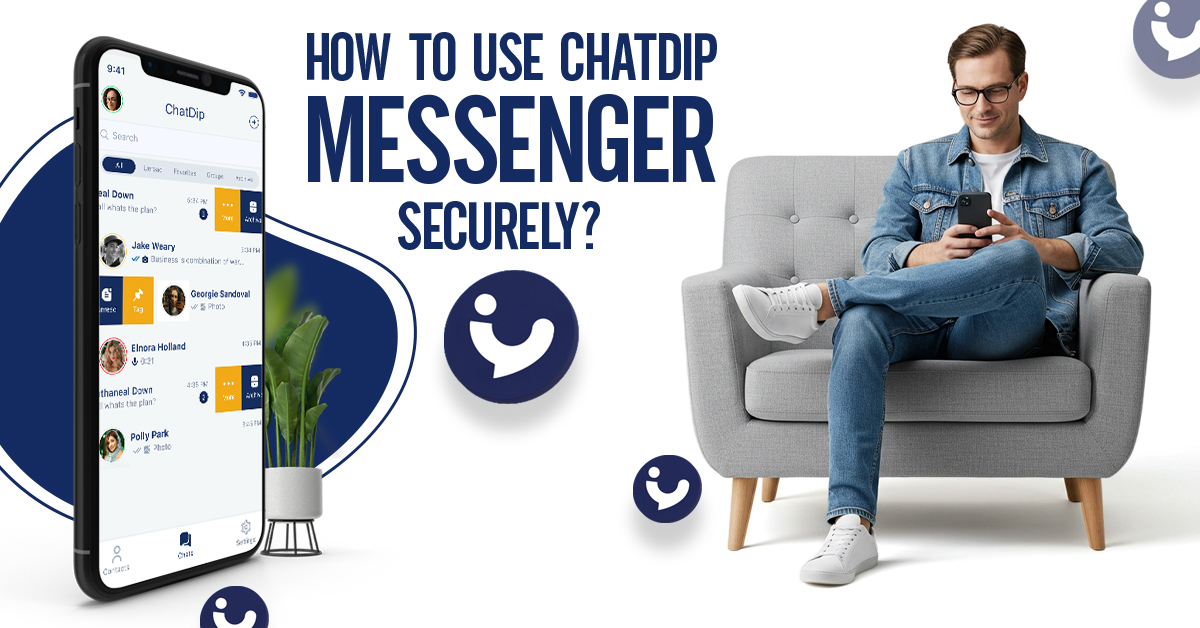
- admin
- December 19, 2025
How to Use ChatDip Messenger Securely?
Download and Install the App
Before you can start messaging securely, you need to install the app. ChatDip Messenger is available on both iOS and Android devices.
- Open the App Store (iOS) or Google Play Store (Android).
- Search for ChatDip Messenger.
- Tap Install / Get and wait for the app to download.
- Open the app to begin account setup.
Tip: Always download apps from official app stores to ensure authenticity. Third-party sources may include fake apps that could compromise your privacy.
Account Setup and Verification
- Enter your phone number or email for registration.
- Verify your account using the OTP (one-time password) sent to your device.
- Choose a strong password combining uppercase and lowercase letters, numbers, and symbols.
Using a strong password and verification process ensures that only you have access to your account, protecting your messages from unauthorized access.
Configuring Privacy Settings
Essential Privacy Settings:
- Enable end-to-end encryption: All messages are encrypted from sender to receiver, ensuring that no third party, including the platform itself, can read them.
- Profile visibility: Restrict your profile visibility to contacts only.
- Two-factor authentication (2FA): Adds an extra layer of protection by requiring a second form of verification.
- Self-destruct messages: Automatically deletes messages after a set time, perfect for sensitive conversations.
Adjusting these settings makes ChatDip a truly private chat app, allowing users to communicate confidently without worrying about leaks or unauthorized access.
Sending Secure Messages
How to Send Private Messages:
- Open a chat with your contact.
- Tap the lock icon to enable secure mode (optional).
- Type your message and tap Send.
- Attach media or files securely; all content is encrypted and cannot be intercepted.
Secure messaging ensures that your conversations, photos, videos, and shared documents remain confidential. Even if your device is lost or hacked, your messages stay protected thanks to encryption.
Managing Chat Security and Access
- Lock specific chats with a PIN or fingerprint to prevent unauthorized access.
- Block unwanted contacts to avoid spam or harassment.
- Report suspicious users who may attempt to breach your privacy.
- Keep the app updated for latest security patches, which address potential vulnerabilities.
Maintaining control over your chats ensures your private communication remains secure at all times. This is particularly important for users who handle sensitive professional or personal information.
Tips for Maintaining Overall Privacy
- Avoid sending sensitive information over public Wi-Fi networks.
- Regularly check your blocked contacts and active sessions.
- Enable app-level passcodes or biometric authentication for additional device security.
- Keep both your device operating system and ChatDip app updated to prevent vulnerabilities.
- Educate yourself about phishing and social engineering attacks that target messaging apps.
Following these tips complements the app’s security features, helping you maintain maximum privacy on every conversation.
FAQs
Is ChatDip Messenger really private?
Yes, ChatDip is a private messenger with end-to-end encryption and strong privacy controls.
How do I secure my chats on ChatDip Messenger?
Use encryption, enable self-destruct messages, set profile visibility, and activate two-factor authentication.
Can I use ChatDip securely on iOS and Android?
Absolutely. ChatDip is fully optimized for both platforms with smooth, secure performance.
Does ChatDip Messenger require internet access for security?
Yes, all chats are encrypted via internet, but your messages remain private even on public networks.
Is ChatDip Messenger safer than WhatsApp or Signal?
ChatDip focuses entirely on private messaging, offering minimal data collection and maximum user control. ChatDip Messenger stands out as a secure private chat messenger for iOS and Android users. By following this guide, you can:
-
Ensure encrypted communication
-
Control chat privacy
-
Protect personal data and sensitive messages
Whether for personal chats or professional communication, ChatDip Messenger delivers reliable, private, and user-friendly messaging without compromise.
How can I use ChatDip Messenger securely?
To use ChatDip Messenger securely, always update the app to the latest version, avoid sharing login details, and enable device-level security like screen locks.